
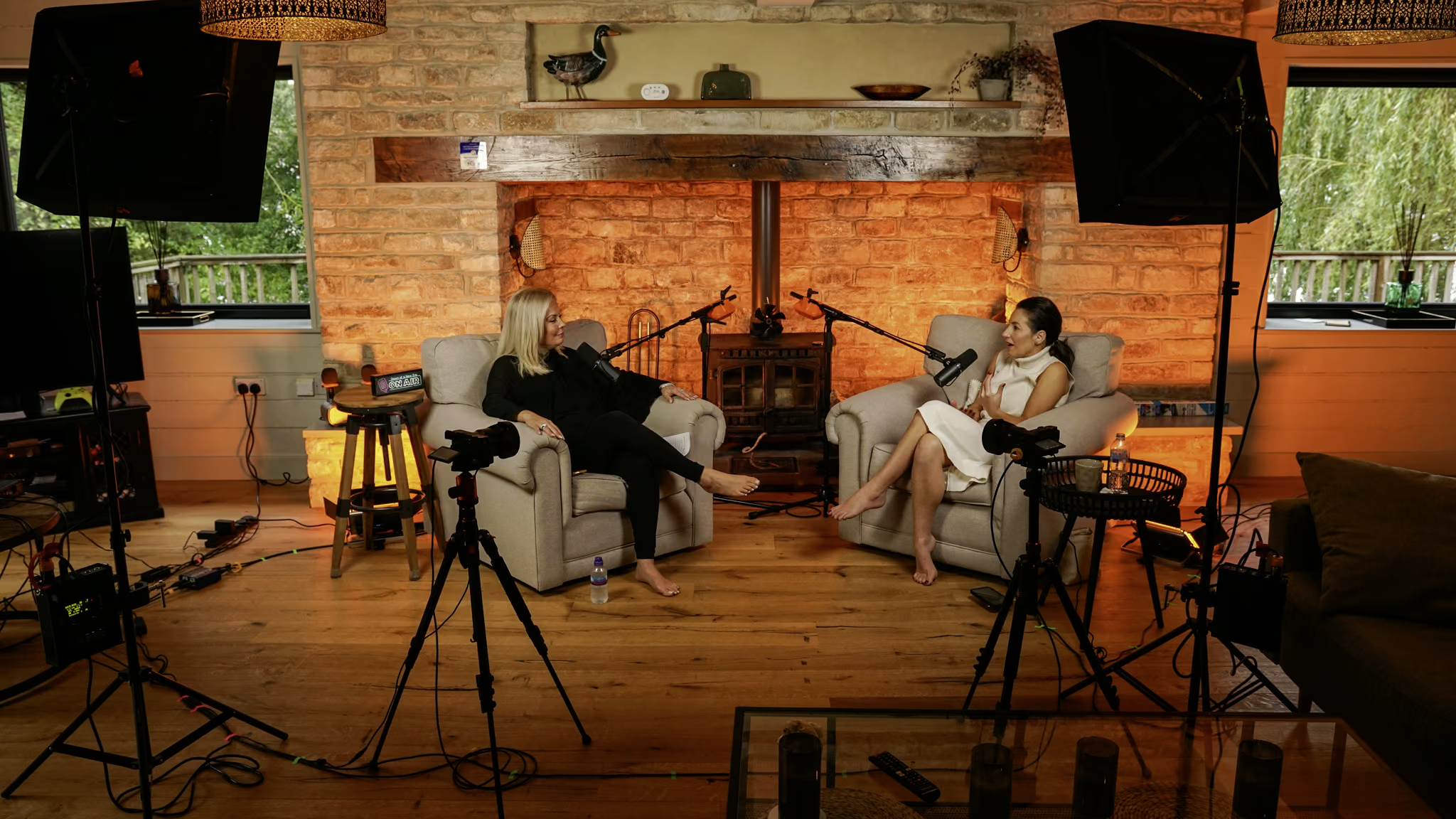
Around 40% of UK adults listen to podcasts regularly, with only video content reaching more people. Recording both audio and video simultaneously has become the standard for shows looking to grow their audience.
You can see the difference between well-produced shows and others right from the first episode. Here's what sets them apart.
Good lighting changes the look and feel of your video podcast. Aim to match daylight as closely as you can. A colour temperature of about 5500K gives the cleanest, most natural look. While window light can work sometimes, film lights provide steady results every time, which is important if you want a consistent visual brand.
Use at least one light for each person and one for the background. If your guests have different skin tones, make sure your setup lets you adjust the brightness and position of the lights for everyone.
Recording in 4K gives you more options when editing. You can crop, zoom, and reframe without losing quality, so one wide shot can become several different angles. Set the white balance yourself instead of using auto, and use a fixed focus with a deep depth of field to keep everyone in focus, even if they move during the conversation.
4K files take up a lot of space. Check that your storage and computer can handle them before you begin, or use a studio's file transfer service instead of managing it all yourself.
Stripes and small patterns can look strange on camera. Glasses might reflect the lights. If you're using a green or blue screen, don't wear clothes that match those colours. These are simple things, but it's best to discuss them with your guests before recording.
Choose colours for the host and guests that go well together, but don't match exactly. This makes the video look more put-together and gives your show a consistent style from episode to episode.
Built-in camera microphones don't give you broadcast-quality sound. Give each speaker their own microphone and sync the audio to the video later. Start the recording with a clap to create a clear audio spike, which makes syncing easy.
For a two-person show, get close-up shots of each speaker from the shoulders up, and at least one wide shot with both people. This gives the editor options to cut between, keeps the pace lively, and covers any moments when someone's framing isn't perfect.
Add movement during editing, not while recording. Shooting in 4K from a fixed spot lets you add zooms, pans, and reframes later, so you don't need to move the camera during the session.
Your set is part of your brand. It doesn't have to be fancy. Many well-known podcasts use simple sets, but they keep things consistent: the same background, colours, and framing in every episode.
The most efficient video podcast teams write down timestamps during recording. A producer off-camera can mark moments that will work as clips, trailers, or social posts. This speeds up editing and helps you know what to look for in post-production.
A well-planned 45-minute session can give you a full episode, three to five short clips for social media, and a trailer. That's the kind of return on content that makes video worth the extra setup.
Experienced editors usually spend about three hours editing every hour of video podcast footage. When you add colour grading, audio cleanup, transitions, and social clips, the total time goes up. Plan for this in your production schedule instead of leaving it until the end.
If editing is the bottleneck in your production, post-production add-ons available through Outset alongside the studio hire are worth considering. Getting episodes out consistently matters more than doing every step in-house.
Ready to record your video podcast?
Check availability